Auto-Tracking: Codeless Event Capture
Air360 automatically captures all user interactions on a website, such as clicks, scrolls, and errors the user experience, without requiring manual tagging or code modifications.
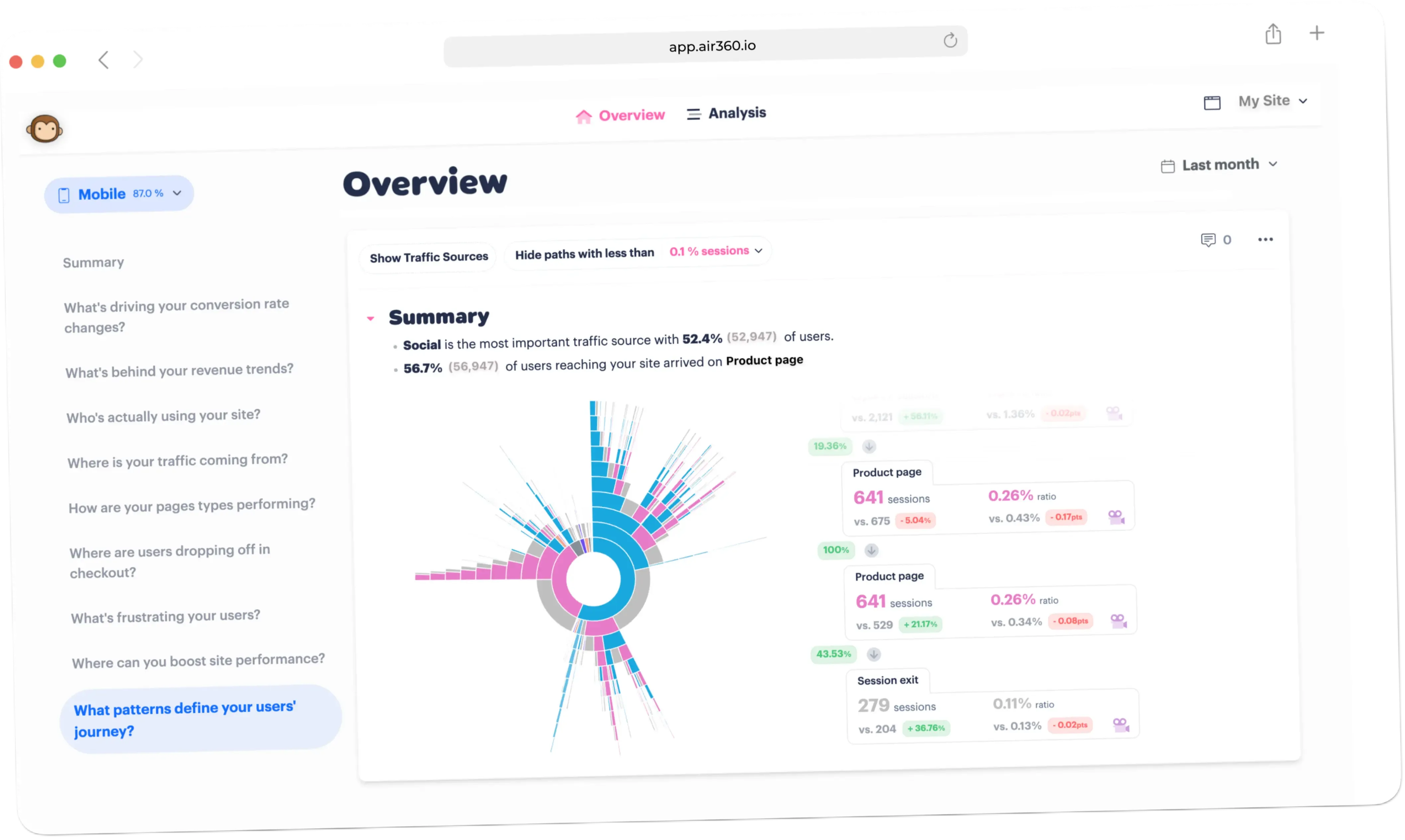
What is Auto-Tracking?
Auto-Tracking captures what people do on your site from the moment the script is installed. Clicks, scrolls, navigation and errors are all recorded without anyone defining an event for them first. There is no taxonomy to design, no tagging plan to agree, and no development ticket standing between a question and its answer. The pixel is 53kb, served via CDN, and collection is cookieless.
Why use Auto-Tracking?
Tagging plans fail in the same way every time. Somebody specifies the events that matter today, the site changes, and six months later the report has a hole in it exactly where the interesting thing happened. Because Air360 captures interactions as they occur rather than as they were predicted, the data for a question you had not thought of yet is already there. That includes sticky elements, fixed bars and pop-ups, and it survives redesigns and A/B tests of individual elements.
What the first week looks like
Install the tag and leave it. Because clicks, scrolls, form interactions and navigation are captured without configuration, the first week is about asking questions rather than preparing to ask them. The usual surprise is that a question nobody thought to instrument - how a particular filter is used, whether anyone opens the size guide - can be answered against data already collected rather than starting a two-week tagging cycle.
Where it fits with the rest
Automatic capture is what makes the rest usable retrospectively. A funnel over a flow you did not anticipate, a zoning map of a page that launched last month, a replay of a session from before anyone was watching - each works because the interactions were already recorded. The trade-off is honest - you get breadth without planning, and you still define the specific funnels and goals you want reported.
Everything you need to know
Where teams use this
Multi Brand Companies
Compare and optimize the online experience across every brand you run with Air360, with personalized journeys, smooth checkout, and one view of customer engagement.
Gaming Companies
Create the best possible online player experience with Air360, with personalized journeys, smooth sign-up and purchase, and optimized player engagement.
E-commerce Companies
Create the best possible online shopping experience with Air360, with personalized journeys, smooth checkout, and optimized customer engagement.
Stop wondering why users leave.
Start knowing.
Join teams who use Air360 Auto-Tracking to turn user behavior into actionable insight. And insight into revenue.